Catalog, shelve, lend and track every book you own in a calm, private library that keeps your data on your device and never asks you to create an account.Every book you own: cataloged, shelved, lent and tracked. Private, on your device.


One quiet app for every shelf you own
Every feature below ships in the app today. No vaporware, no "coming soon" asterisks.

A catalog worthy of your collection
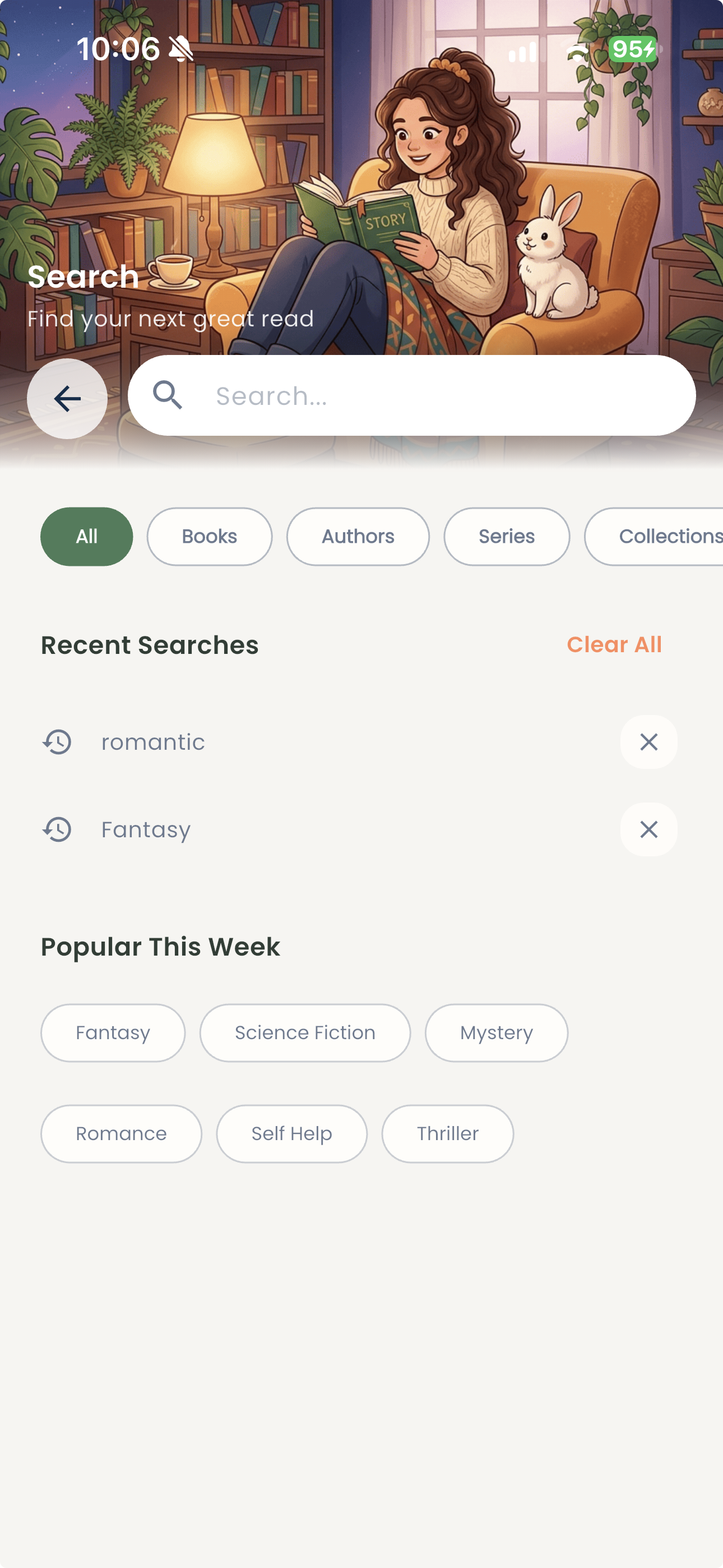
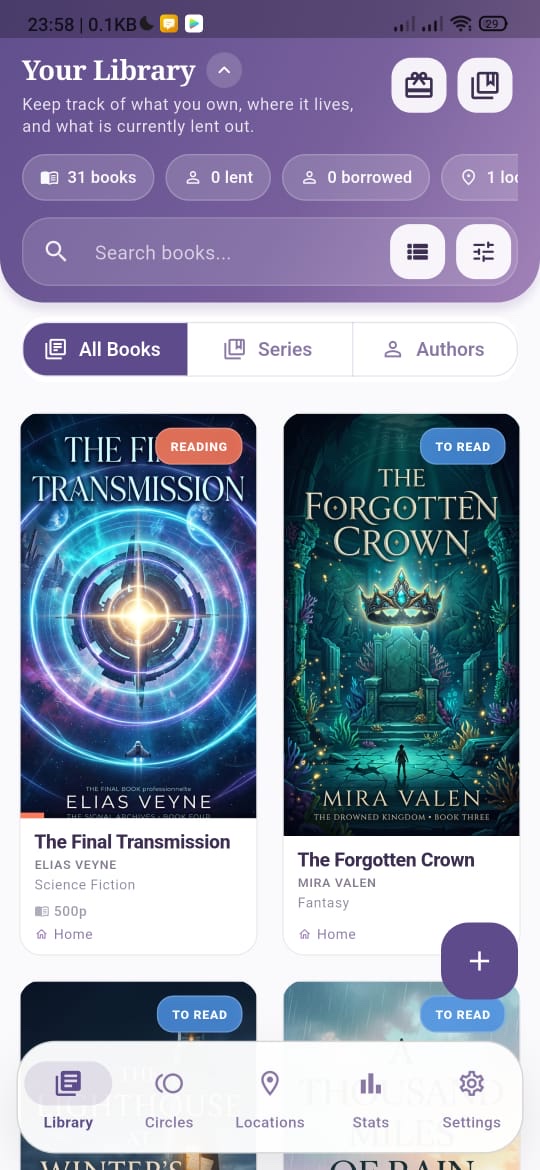
Add titles, authors, publishers, page counts, genres, ratings and cover photos. Every book you own gets a rich, searchable record, physical or digital.
Scan the barcode, skip the typing
Point the camera at a book's ISBN barcode and the scanner grabs the number for you.

Status & page-by-page progress
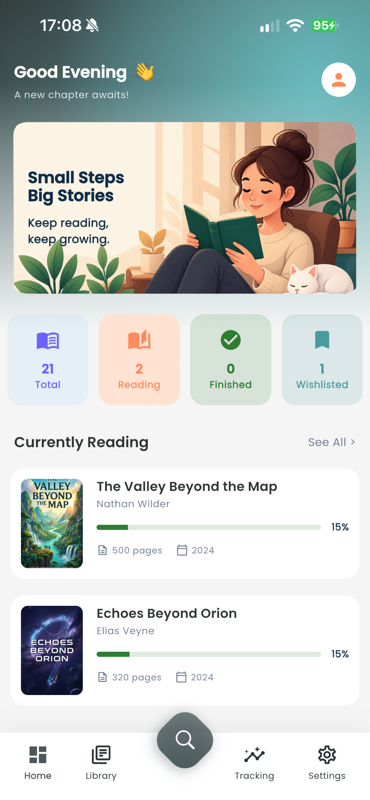
To Read, Reading, Completed or DNF, plus page progress and a yearly reading goal with streaks.
Shelves, rooms & storage locations
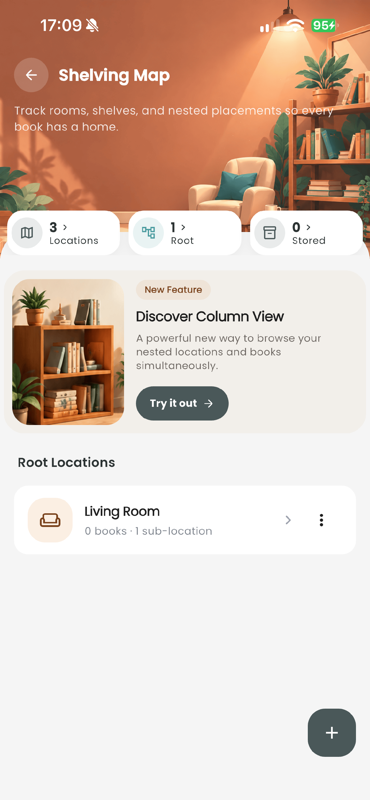
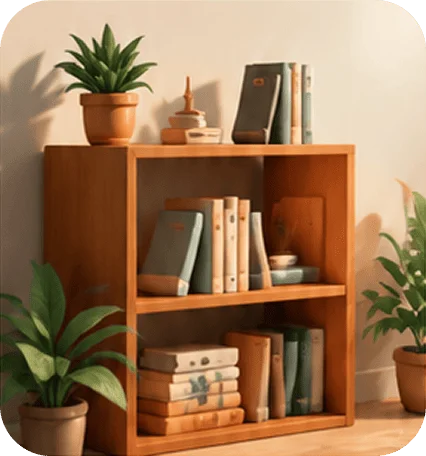
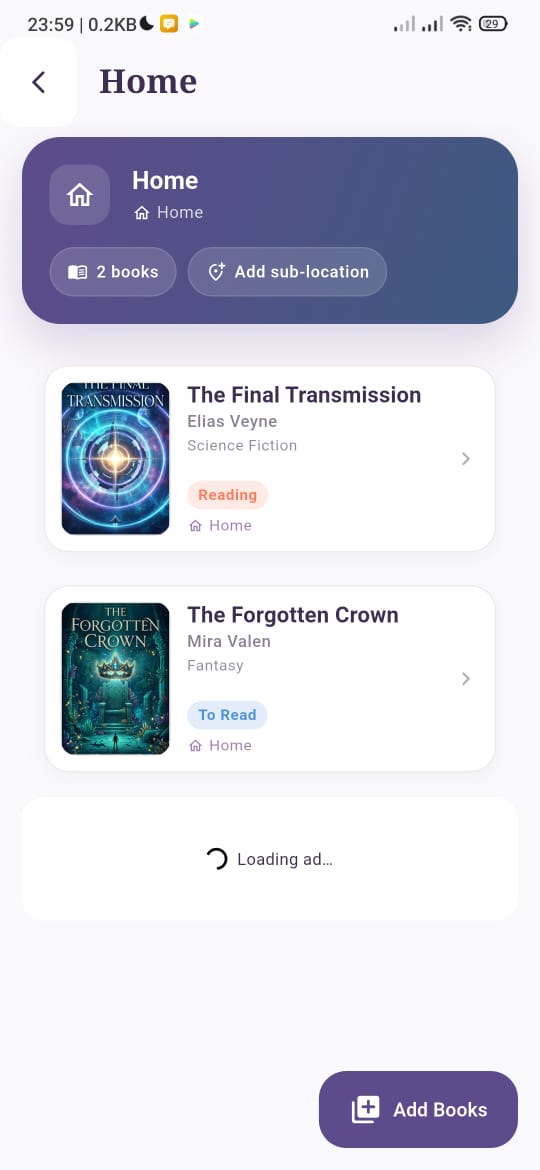
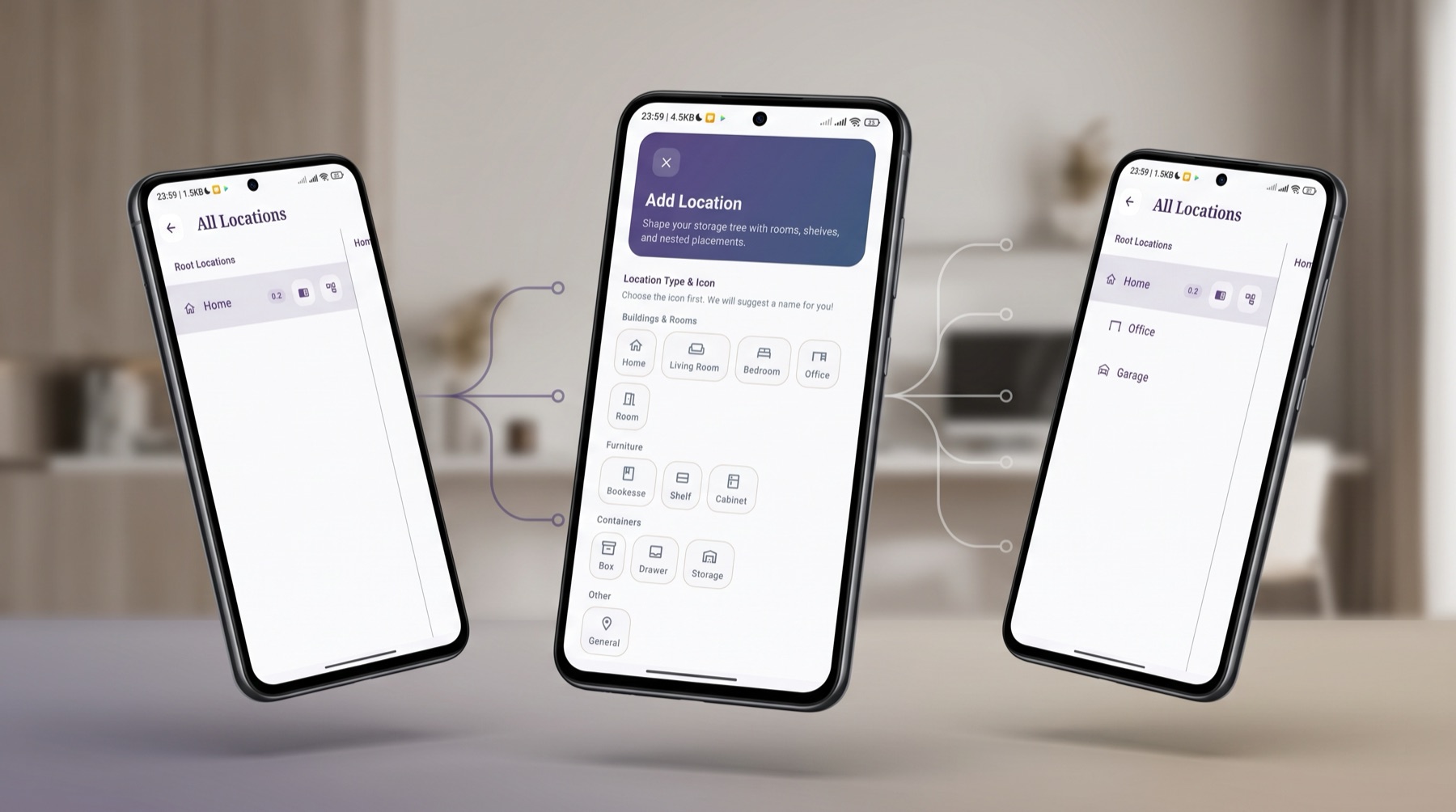
Map your home: rooms hold bookcases, bookcases hold shelves, shelves hold books. Nested locations mean you always know exactly where a book lives.
Lending & borrowing desk
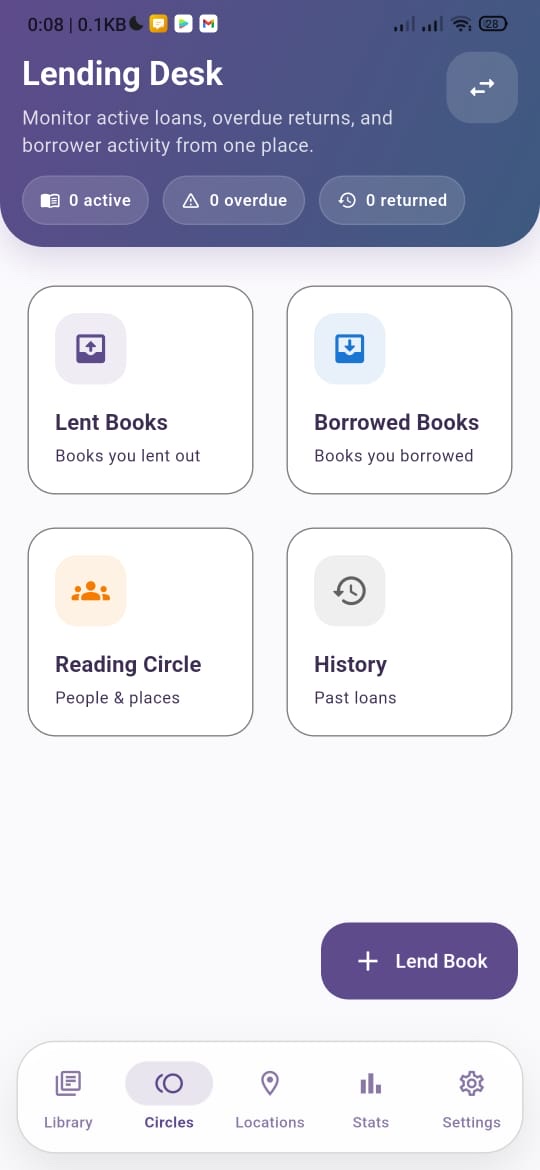
Record who borrowed what and when, set expected return dates, and keep a full loan history for your reading circle.
Series tracking
Group books into their series and see at a glance which volumes you own and which are missing.

Authors & publishers, first-class
Browse your library by the people behind the books. Author and publisher pages collect everything you own from each one.
Collections
Curate your own shelves: favorites, summer reads, to lend, signed copies. Any book, any number of collections.
Wishlist
Capture future reads, then promote them into your active library the day they arrive.
Reading analytics
Charts for reading statuses, books finished month by month, and library statistics with custom date ranges.
Notes, quotes & reviews
Write reflections at page milestones, save favourite quotes, and close each book with a final review.
Backup to your own Google Drive
Optional backup and restore to a private app folder in your personal Drive (Android; an equivalent for iPhone is in the works).
Real screens, real shelves
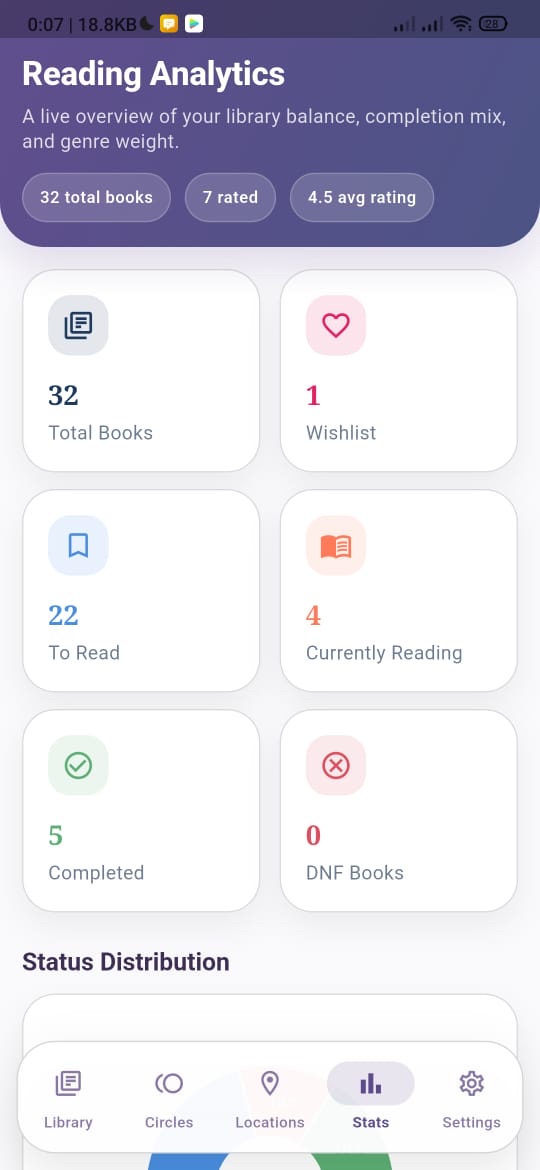
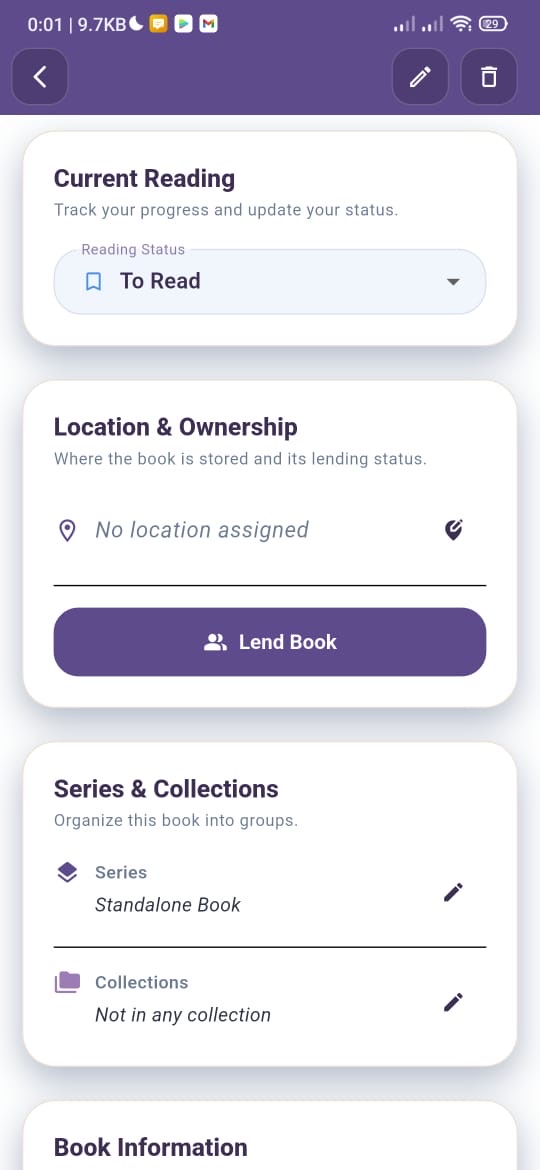
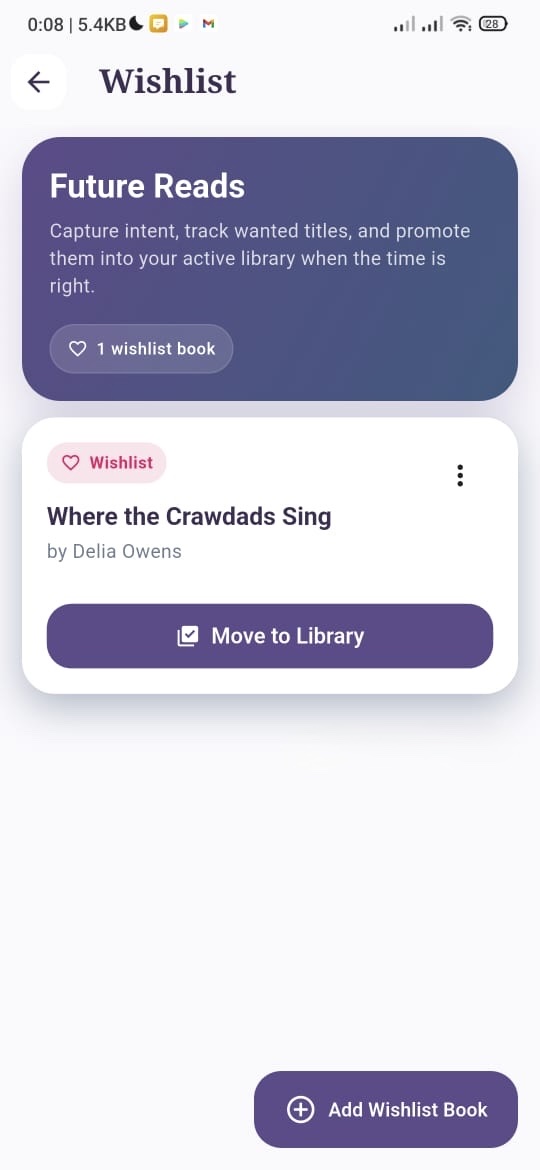
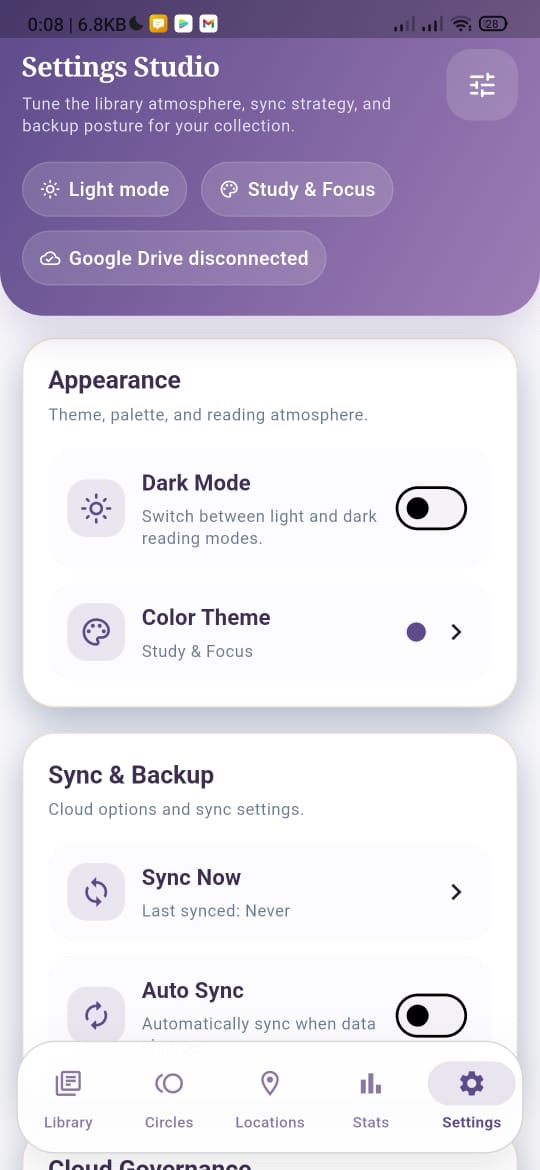
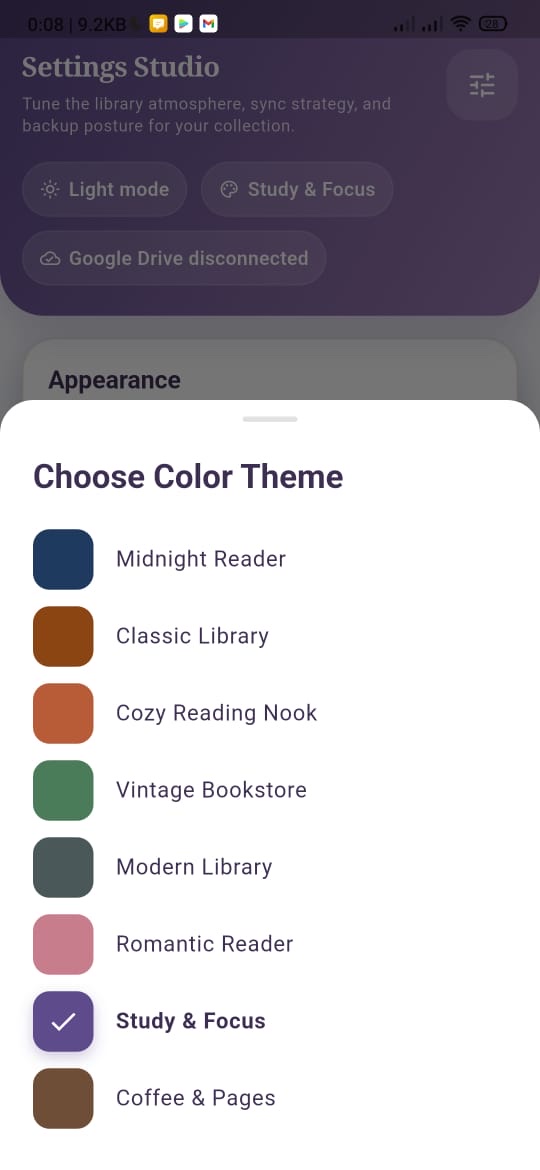
Every book knows its place
Build your own storage tree with rooms, bookcases, shelves, boxes and drawers. Pick an icon, nest locations inside each other, and always know exactly where every book lives.
Your reading life is nobody's business
Your data lives on your device
Your library is stored in a local database on your phone, so your books, notes and lending records are always in your hands.
No account, ever
Open the app and start shelving. There is no sign-up wall, no profile, nothing to create.
Your books stay yours
Nothing is uploaded unless you turn on backup, and that backup goes to your own Google Drive, not our servers.
Free, thanks to ads
A few ads help us keep LuminaReads free for everyone. Your library is never part of them, and you stay in control of personalization.
The fine print, in plain words: read the LuminaReads privacy policy
Before you ask
Is LuminaReads free?
Is my data stored offline?
How does backup work?
Is it on iPhone and Android?
Do I need to create an account?
Have an idea for LuminaReads?
This is for you, fellow readers! We're building LuminaReads around your reading rituals. If there is a feature or workflow you love, let us know and help shape the roadmap.
Ready to bring order to your bookshelf?
Your reading habits belong strictly to you. Enjoy a 100% private, beautifully designed space for your books.
We can weave tales together
“At the end it doesn't even matter because it's a tale — thanks for making it meaningful.”
Every tale is an invitation to explore worlds beyond our own. The characters, the settings, and the plots may be woven from imagination, but the feelings they inspire are entirely real. It doesn't matter that it is just a story; what matters is the meaning we find within it and the pieces of ourselves we discover along the way.